
What is CustomGradient?
CustomGradient turns names or zodiac pairs into unique, deterministic color gradients. Same input always gives the same result. Free, no sign-up. Choose a style and canvas size, then download as PNG or share the link so anyone can see the same gradient.
What you can try
- Your name — Personal gradient.
- Project or product name — Brand colors.
- Character or fictional name — Avatars, fan art.
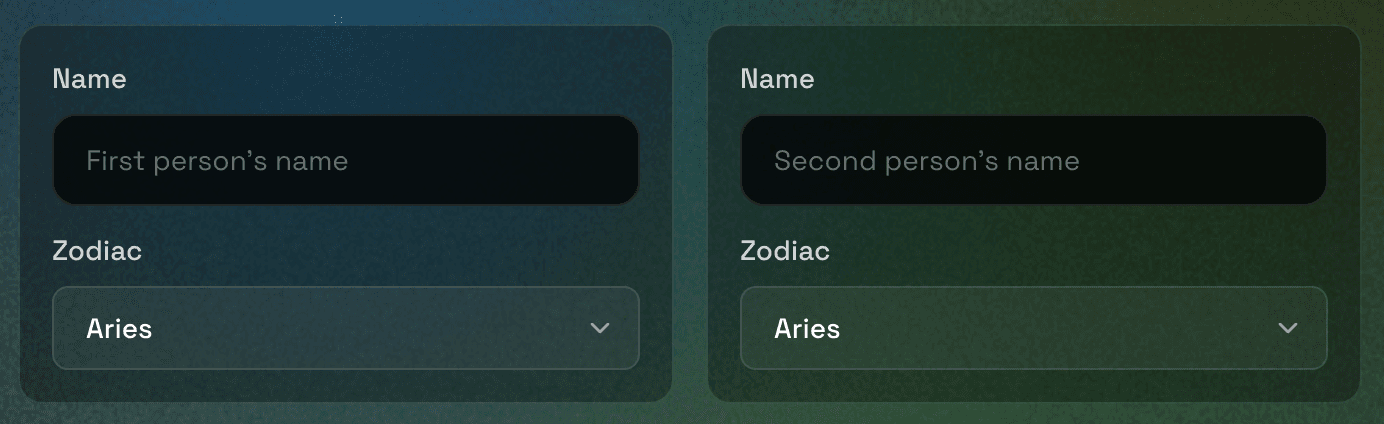
- Two zodiac signs (Compatibility) — Shared gradient for couples, duos, or friends.
Where to use it
- Profile pics & avatars
- Social banners (X, LinkedIn, YouTube)
- Lock screens
- Slides & decks
- Web heroes & backgrounds
- Figma & design tools
- Blogs, newsletters, thumbnails
- Print & merch
Your imagination is the limit—any name, any project.
How CustomGradient works
Two generators, one idea: your input becomes a unique seed that drives the gradient. No account, no design skills—just pick a generator, enter names or signs, and use the result.
You choose a generator and enter input
Identity: type one or more names (comma-separated). Compatibility: pick two zodiac signs and optional names. Spelling and capitalization are normalized so the same input always yields the same gradient.
We turn it into a unique seed
Your input is hashed into a single number—like a fingerprint. Same names or same zodiac pair always produces the same seed, so your gradient is reproducible every time, on any device.
The seed drives colors and shape
That seed determines the gradient’s colors, angles, and layout. No color pickers—the input alone drives everything. On Identity you can pick the style (linear, radial, or blob) and add an optional grain overlay; Compatibility uses a fixed blob style.
Download or share
Pick a canvas size (e.g. profile picture, Twitter banner, Figma) and download a PNG, or copy the link to share. Anyone who opens the link sees the exact same gradient.